How Can We Help?
Why has my order disappeared from the Production Queue?
When all the making tasks for an order are complete, RocketWorks automatically moves it from the Production Queue to the Packing Queue. This keeps the Production Queue focused on work still to be made and puts finished orders where you can check and pack them.
If an order seems to be missing, check the Packing Queue first. If it is not there, clear any search terms or filters and look for it on the Orders page. RocketWorks does not automatically delete open orders.
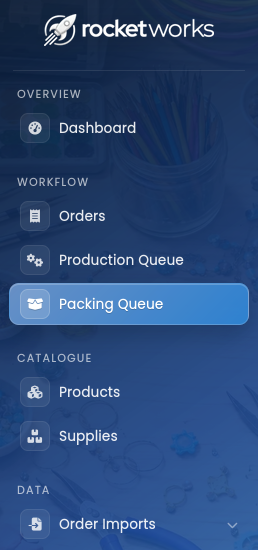
You can view the packing queue by clicking the ‘Packing Queue’ menu item in the main menu: